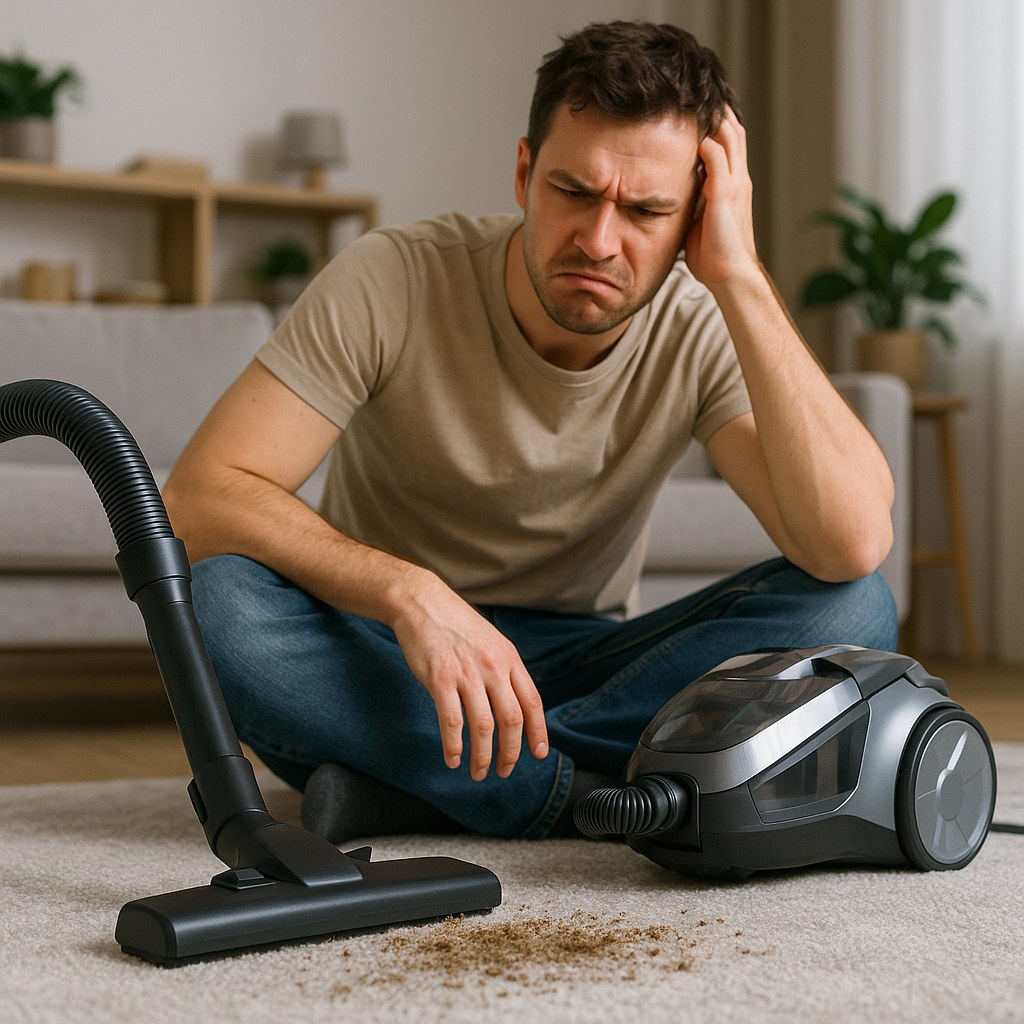
There's nothing more frustrating than pushing your vacuum cleaner across the floor, only to look back and see that all the crumbs, pet hair, and dust bunnies are still there, mocking you. When your vacuum loses its suction power, a quick cleaning job can turn into an endless, ineffective chore.
The good news is that weak or no suction is one of the most common vacuum problems, and it’s usually something you can fix yourself in under 30 minutes without needing to call a professional. Most of the time, the culprit is a simple blockage or a part that needs cleaning.
In this guide, we'll walk you through the troubleshooting process like a friendly expert on the phone. We’ll start with the easiest fixes and work our way to the less common issues, helping you restore your vacuum's powerful suction and get your floors truly clean again.
Why Is My Vacuum Losing Suction?
Before we roll up our sleeves, let's understand what's happening. Your vacuum works by creating a powerful airflow that pulls dirt from your floors into a bag or dustbin. When that airflow is obstructed, the suction power drops dramatically. The most common reasons for this are:
- A full bag or dustbin: There's simply no more room for dirt to go.
- A dirty or clogged filter: The filter is designed to trap fine dust, and when it's clogged, air can't pass through.
- A clog in the hose, wand, or brush roll: A stray sock, a clump of pet hair, or built-up debris can create a blockage.
- An air leak: A crack in the hose or a poor seal can cause suction to escape.
- A problem with the motor: This is the least common cause, but it can happen.
Ready to get that suction back? Let’s dive in.
Step-by-Step Guide to Fix Weak Vacuum Suction
Before You Start: A Quick Safety Check
First things first: safety. Before you start poking around your vacuum, it's crucial to disconnect it from power.
- Unplug the vacuum: Make sure the power cord is completely unplugged from the wall outlet. This prevents any accidental starts while you're working.
- Find a good workspace: Lay the vacuum down on a flat, well-lit surface, like a garage floor or a tiled kitchen. This will make it easier to see all the different parts you need to inspect.
Step 1: Empty the Dustbin or Replace the Bag
This might sound obvious, but it’s the number one cause of weak suction. A vacuum needs empty space for the air and dirt to flow into. If the bag or bin is more than two-thirds full, airflow is significantly reduced.
For bagless models:
- Press the release button and remove the dustbin from the vacuum's body.
- Hold the dustbin over a trash can and press the latch to open the bottom.
- Gently tap the side of the container to shake loose any packed-in dust and debris.
- Once empty, click the dustbin securely back into place.
For bagged models:
- Open the bag compartment door.
- Carefully slide the full vacuum bag off its connection point. Try to keep it upright to avoid spilling dust.
- Dispose of the old bag.
- Slide a new, compatible vacuum bag firmly onto the inlet tube and close the compartment.
After emptying or replacing, plug the vacuum in and test the suction. If it’s back to normal, you’ve solved the problem! If not, let’s move to the next step.
Step 2: Clean or Replace the Filters
Your vacuum's filters are the unsung heroes of clean air. They trap fine dust, pollen, and allergens, preventing them from being blown back into your room. But when they get clogged, they suffocate the vacuum's airflow. Most vacuums have at least one filter, sometimes more (e.g., a pre-motor filter and a post-motor or HEPA filter).
- Locate and remove the filters: Consult your user manual if you're not sure where they are. They are often located near the dustbin or the motor exhaust.
- Check if they're washable: Many modern filters are reusable. They will often be marked as "washable."
- If washable: Rinse the filter under cool tap water. Don't use any soap or detergents. Keep rinsing until the water runs clear.
- If not washable: Tap the filter against the side of your trash can to remove as much dust as possible. If it’s heavily caked with dirt, it's time to replace it.
- Let it dry completely: This is critical! A damp filter can grow mold and mildew and damage the vacuum's motor. Let a washed filter air-dry for at least 24 hours before reinstalling it.
- Reinstall the filter: Once it’s bone dry (or you have a new one), place it back in its housing and close the cover.
Test the suction again. If it's still weak, we've got a clog to hunt down.
Step 3: Find and Remove Blockages
A clog is like a dam in your vacuum's airflow river. Debris can get stuck anywhere from the brush head all the way to the dustbin inlet. We’ll check the most common spots one by one.
Check the Hose:
- Detach the vacuum hose completely from both the main body and the wand.
- Straighten it out and look through it. If you can't see light at the other end, you've found a clog.
- Try to dislodge it by hand or by gently shaking the hose. For stubborn clogs, use a blunt, long object like a broom handle to carefully push the blockage out. Avoid using anything sharp that could puncture the hose.
Check the Wand:
- Separate the wand from the hose and the floor head.
- Just like the hose, hold it up to a light to look for obstructions.
- Use a broom handle or a similar object to push out any debris you find.
Check the Brush Roll (Beater Bar):
- With the vacuum still unplugged, flip it over to access the brush roll.
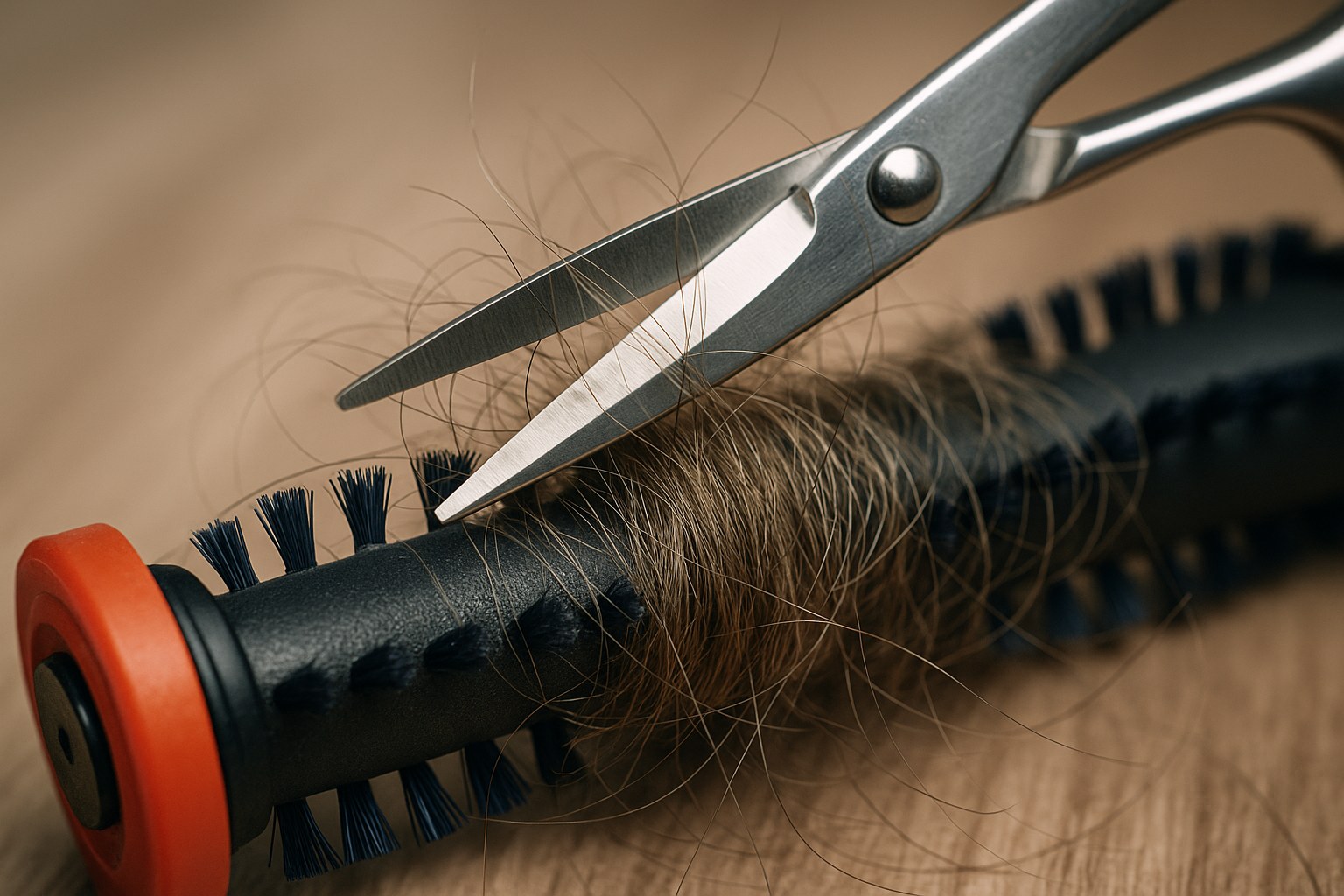
- Hair, string, and carpet fibers love to wrap themselves around the brush, eventually forming a thick mat that blocks the suction opening.
- Use a pair of scissors or a seam ripper to carefully cut away everything that's tangled around the brush. Many vacuums even come with a small cleaning tool for this purpose.
- Once clear, make sure the brush roll can spin freely. If it's stuck, it won't be able to agitate the carpet and kick dirt up into the suction path.
After clearing all potential clogs, reassemble your vacuum and test it. For most people, the problem is now solved.
Step 4: Inspect for Air Leaks
If you’ve done all of the above and the suction is still weak, you might have an air leak. If air can get in through a crack or a loose connection, the vacuum can't create strong suction at the floor head.
- Examine the hose: Run your hands along the entire length of the hose, feeling for any cracks, splits, or holes.
- Check all connections: Make sure the hose is firmly connected to the vacuum body and the wand. Check that the dustbin is sealed properly and that any filter compartments are fully closed.
- Seal small leaks: For a tiny crack in the hose, a piece of duct tape can provide a temporary seal. However, for a long-term fix, you should order a replacement hose.
Step 5: Check the Motor
This is the last resort. If you've tried everything else and your vacuum's suction is weak, accompanied by a strange noise or a weak-sounding motor, the motor itself could be failing.
- Listen to the motor. Does it sound like it's struggling, or does the power fluctuate?
- Feel the vacuum body. Is it getting unusually hot?
If you suspect a motor issue, it's time to stop troubleshooting. Motor repairs are complex and can be dangerous for a DIYer.
How Much Does It Cost to Fix Weak Vacuum Suction?
The cost can vary dramatically depending on the cause.
- DIY Fixes: For the most common issues, the cost is minimal.
- Cleaning: Free!
- New Vacuum Bags: $5 - $20 for a multi-pack.
- New Filter: $15 - $30, depending on the model.
- Professional Repair: If you're dealing with a motor issue or can't find the source of the problem, you may need an appliance repair technician. According to HomeAdvisor, the typical service call and diagnosis fee for a small appliance repair can range from $75 to $150, with parts and additional labor costs on top of that.

Final Thoughts
A vacuum cleaner with weak suction can bring your cleaning routine to a screeching halt. But as you've seen, the fix is usually simple and something you can easily handle yourself. By regularly emptying the bin, cleaning the filters, and checking for clogs, you can keep your vacuum running at peak performance for years to come.
Tackling home maintenance yourself is empowering, and we're here to help. For more easy-to-follow guides on everything from plumbing to appliance repair, download the Casa app today. Casa puts expert advice in your pocket, making it simple to manage and maintain your home. Get started now and become the master of your domain